Undertale Battlez Controls Guide
Device-agnostic combat habits for a moving BETA — dodge, space, and keep menus clean.
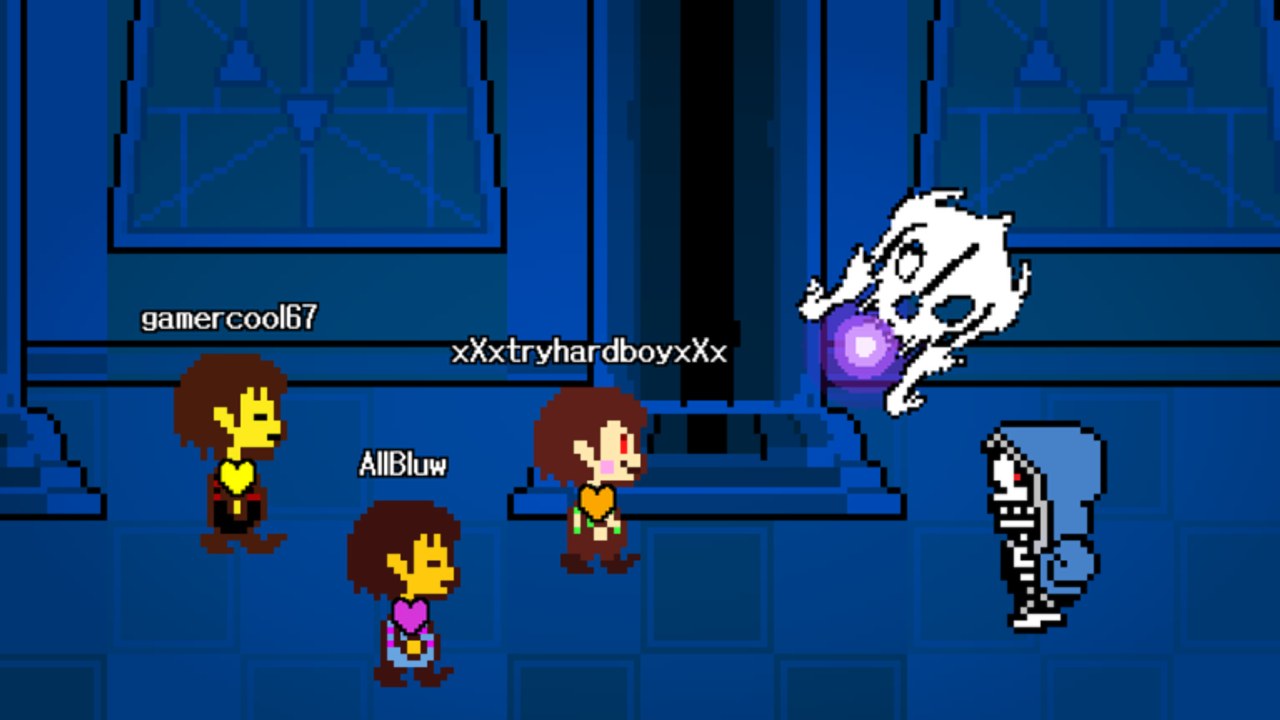
Undertale Battlez is a Roblox BETA fighting sim from Bluw’s Studio (place 79493991899413). Exact keybinds and on-screen button layouts can change between Massive Updates, platforms, and even individual sessions when UI assets fail to load. Publishing a fake “official” keyboard table would mislead more players than it helps. This guide teaches control principles that transfer across PC, mobile, and console: movement intent, dodge timing, attack commitment, spacing, camera comfort, and menu hygiene.
If you have not claimed free currency yet, pause and redeem codes from the Codes Hub first, then return here during a soft training fight. Pair this page with Getting Started and live practice in Boss Fights.
Core loop: see → decide → move → commit
Every readable encounter in Undertale Battlez rewards the same four beats:
- See the telegraph (wind-up, projectile spawn, arena cue).
- Decide whether to dodge, space out, or punish.
- Move with a short, deliberate path — not a panic circle.
- Commit to an attack only when you have a safe window.
Mashing attack while you are still inside a boss pattern is the most common beginner failure. Treat offense as a reward for surviving the telegraph, not as a stress response.
Movement habits that matter more than binds
Short strafe beats long panic sprint
Long panic sprints look busy and still eat the same hitboxes. Practice short lateral steps that exit the danger lane, then stop so you can read the next cue. In soul-style or bullet-hell flavored patterns, stillness for half a beat often reveals a safe pocket you would miss while spinning the stick.
Face the threat when learning
While you are still learning a boss, keep the camera and character oriented toward the attacker. Turning your back to “outrun” patterned projectiles usually fails. Once you know the cycle, you can add stylish routes; day one is about visibility.
Respect arena edges
Many Roblox battlegrounds arenas punish corner trapping. Leave yourself two escape directions. If a custom boss or PvP opponent loves edge pressure, pre-plan a center reset instead of hugging walls.
Dodge and defense principles
- Dodge on the tell, not on the hit. Start your evade when the wind-up finishes forming, not after damage numbers appear.
- One dodge, then re-center. Spamming dodge tools (whatever the current build exposes) often strands you in the next wave.
- I-frame greed loses fights. If a move grants brief invulnerability, use it to cross a dense lane — do not burn it as a nervous tick.
- Blocked or armored states are temporary. When the BETA kit includes guard-like tools, treat them as bridges between dodge windows, not as permanent shields.
Practice these rules on soft bosses before you care about DPS. The Boss Fights guide explains how to structure that training loop.
Attack commitment and spacing
Undertale Battlez mixes training dummies, scripted bosses, custom creations, and PvP. Across all of them:
- Know your longest animation. If your heavy attack locks you in place, only press it when the opponent or boss is also committed.
- Whiff punish on purpose. Leave a gap after you dodge; many players and some boss phases overextend into empty space.
- Spacing is a control skill. Standing at the tip of your comfortable range reduces the number of telegraphs you must perfect-dodge.
- Cosmetics do not change hurtboxes by vibes alone. Fancy skins and attack skins can alter readability; they are not automatic wins. See PvP for etiquette around flashy kits.
PC, mobile, and console — what actually differs
PC
Mouse look usually gives the finest camera control. Bind or place frequently used combat actions where your fingers already rest. Disable overlapping OS shortcuts that steal focus mid-fight. If a BETA patch remaps something, re-open settings immediately instead of fighting muscle memory for an hour.
Mobile
Thumb reach matters more than raw DPI. Move essential dodge / attack buttons away from the very screen edge if you keep mis-taps. Lower graphics slightly if frame drops make telegraphs late. Use a grip that lets you tap dodge without covering the center of the arena view.
Console
Stick sensitivity and dead zones decide whether small dodges feel sticky. Raise look sensitivity until micro-adjustments are easy, then stop before the camera becomes jittery. Use the Roblox menu to confirm your gamepad is the active input — mixed keyboard + pad states cause “ghost” inputs during BETA sessions.
Across all three: if the client feels wrong after a Massive Update, rejoin once before blaming your hands. UI and input bindings occasionally desync on first join during high CCU.
Camera comfort checklist
- Zoom to a distance where you can see both your character and mid-range projectiles.
- Keep the horizon level; tilted cameras hide floor tells.
- On mobile, lock a comfortable default zoom so pinch gestures do not steal a dodge frame.
- In PvP, briefly check flanks between exchanges — tunnel vision loses duels.
Menu hygiene (seriously)
Bad menu habits lose more Gold than bad aim:
- Redeem codes from a calm main-menu state, not while mid-death cam. Path reminder: CODES → TYPE A CODE → REDEEM (how-to-redeem).
- Close shop panels before a boss pull so a mis-tap does not buy the wrong skin.
- Do not open large UI sheets during someone else’s custom boss intro — you will miss the first telegraph.
- After any patch, re-find CODES, training, and shop buttons instead of muscle-remembering corners of the screen.
Warm-up routine (five minutes)
- Enter a low-stakes training space.
- Strafe in short bursts for thirty seconds without attacking.
- Practice dodge → stop → observe on the easiest boss pattern you know.
- Throw ten committed attacks only in obvious punish windows.
- Soft reset camera zoom to your default.
Only then queue a harder boss, a custom fight, or PvP.
Troubleshooting “it feels unplayable”
- Input lag: close background apps, lower graphics, rejoin a less full server if CCU spikes.
- Buttons missing: full rejoin; BETA UI assets sometimes fail on first load.
- Camera snaps: reset zoom and sensitivity; avoid fighting with the Roblox escape menu half-open.
- You keep eating the same attack: that is a pattern literacy issue — open Boss Fights, not a sensitivity rabbit hole.
Safety note on “aim scripts” and auto-dodge tools
If a stranger offers an executor that “holds dodge for you,” read the Scripts Hub first. As of November 2026 there is no trusted dedicated public script scene for this title worth risking an account over. Manual control habits scale with patches; injected tools often break the same day Bluw’s Studio ships a Massive Update.
Related pages
- Getting Started — day-one order of operations
- Boss Fights — apply these habits to scripted patterns
- PvP Guide — spacing and reads against players
- Custom Bosses — design readable telegraphs others can control against
- Codes — free Gold and D$ before you grind mechanical reps
- Updates — when binds or UI shift after a patch
Master short movement, dodge on the tell, and keep menus closed during combat. Those three habits outlive any single keybind screenshot from a random Discord server.
Frequently Asked Questions
Quick answers about codes, bosses, PvP, and progression.
What are the exact Undertale Battlez keybinds?
They can differ by device and BETA build. Learn habits — short strafes, dodge on telegraphs, committed punishes — then confirm your current binds in the live settings menu.
Do mobile players need different advice?
Principles are the same. Prioritize thumb reach, stable zoom, and fewer mis-taps; lower graphics if telegraphs arrive late.
Why do I keep getting hit while mashing attack?
You are committing offense inside unsafe windows. Dodge and re-center first, then attack only when the pattern clearly gaps.
Should I change sensitivity every death?
No. Fix camera comfort once during warm-up. Repeated sensitivity tweaks usually mask pattern mistakes.
Can an auto-dodge script replace practice?
It is not worth the ban and malware risk. Use the Scripts Hub for safety context and train manually instead.
When should I open this guide again?
After any Massive Update that touches UI or combat, and whenever you move to a new device (PC ↔ mobile ↔ console).