How to Unlock Skins in Undertale Battlez
Cosmetic skins versus attack skins, currency funding, progression order, and shop discipline for the Bluw's Studio BETA.
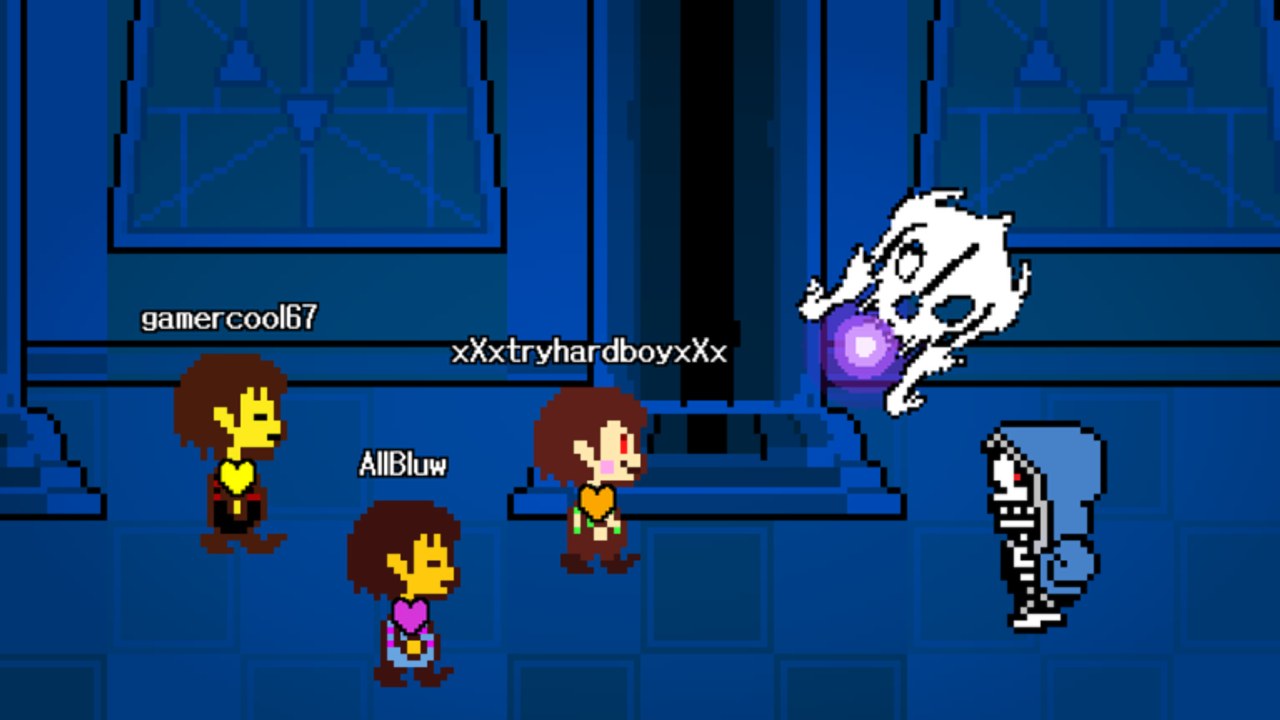
Skins are the visible payoff of Undertale Battlez, the Roblox BETA fighting sim from Bluw’s Studio. You train, clear Undertale-inspired bosses, duel in PvP, and then want the lobby to see what you earned. This guide explains how cosmetic skins differ from attack skins, how Gold and D$ (plus milestone codes) fund unlocks, which progression order wastes the least currency, how Limbo Sans fits as a special showcase goal, and how to shop without tilting after a wipe. Place 79493991899413 (universe 10768728500) is an unofficial fan game and is not affiliated with Toby Fox.
If you only came here for a shopping list, slow down. BETA shops move, prices retune, and labels rename after Massive Updates. The habits below survive those reshuffles better than any frozen SKU table.
Cosmetic skins vs attack skins
Cosmetic skins mainly change how you or a loadout looks. They signal taste, grind, event participation, or showcase completion. In most BETA builds they do not silently raise damage. Buy them when you have surplus currency and a clear collection goal — not when you are still dying to warm-up bosses.
Attack skins change the presentation of moves: trails, bone colors, blaster flair, impact timing cues opponents might read. Sometimes that is pure style. Sometimes it slightly changes how readable your offense feels in PvP or how satisfying a boss loop feels for you. Always test an attack skin in training before you assume it is a power spike. Lobby chat that screams “op skin” is usually describing the player’s pattern memory, not the paint job.
If a shop label is unclear after a patch, assume cosmetic until you prove otherwise on a soft boss or dummy. BETA UI copy changes; your Gold does not refund on vibes. For prestige versus fight-feel rankings, keep the Skins Tier List open beside this page.
How Gold, D$, and codes fund unlocks
Gold is the everyday soft currency from training, boss clears, and general play. Most routine shop unlocks and quality-of-life buys lean on Gold. D$ is scarcer and premium-leaning. Codes are one of the few reliable free D$ sources during BETA, so treat D$ like a savings account for pre-decided high-value goals.
As of mid-November 2026, redeem these active strings from main menu → CODES → TYPE A CODE → REDEEM before you open the shop:
| Code | Rewards |
|---|---|
K200VISITS | 250 Gold + 3 D$ |
FAV6K | 250 Gold + 10 D$ |
THANKSFOR600CCU | 1,000 Gold + 3 D$ |
Combined that is 1,500 Gold and 16 D$ if none were claimed yet. Full tables and troubleshooting live on the Codes Hub and How to Redeem Codes. Milestone context for why those strings exist sits on November 2026 Milestones. Skipping codes and then grinding for a skin is the most expensive unlock mistake in the game.
After the code spike, sustain income with Gold Farming so one cosmetic night does not empty the account.
Sensible progression order
Treat this as priority logic, not a frozen catalog:
- Finish day-one systems in Getting Started so you know where CODES, training, and shops live.
- Stabilize combat — unlocks that help you clear comfortable bosses consistently beat early fashion. Pattern habits from Boss Fights and Controls matter more than a rare look you unequip after one death.
- Bank a Gold buffer — decide a floor you will not spend below. Impulse shopping after a wipe is how code windfalls vanish.
- Buy one B/A prestige cosmetic you genuinely like — personal taste raises session joy and farm uptime.
- Save toward one S-prestige showcase goal — community-recognized unlocks such as Limbo Sans style routes.
- Attack skins last among non-essentials — only after you verified fight-feel in training and still want them after a cool-down timer.
- Re-evaluate after patches — skim Updates and the skins tier list before the next big dump.
Cross-check community opinion on the Tier List Hub, but do not let a graphic bully you into a kit you hate playing.
Limbo Sans as a special unlock
Limbo Sans sits at the top of many prestige conversations because public showcase coverage travels with the skin. It is a special unlock path, not a starter cosmetic. Prepare with codes, a warm-up clear, and a Gold buffer, then follow the dedicated Limbo Sans guide. Verify every menu and requirement in the live client — BETA steps move, and older video routes can disagree with today’s UI.
Do not dump THANKSFOR600CCU on unrelated shop spam five minutes before a Limbo attempt. Showcase goals punish empty wallets and tilted brains at the same time.
Shop discipline that survives BETA
Write a short list before you browse:
- What combat unlock still improves clear consistency?
- Which one cosmetic do I still want after twenty-four hours?
- Am I hunting a showcase route that needs a currency buffer?
- Did I redeem every active code today?
Then open the shop once, buy against the list, and close it. Endless carousel browsing turns “I earned this” into “I spent because it glowed.” If you are on tilt after a hard wipe, farm one comfortable clear or take a break before any D$ click.
Avoid random “free skin” executors. As of November 2026 there is no solid dedicated public script case worth risking the account that holds your redeemed rewards — read the Scripts Hub risk notes instead of chasing injectors.
When skins actually matter (and when they do not)
Skins matter when you can clear your current boss band without needing every coin for retries, when you care about collection or lobby identity, or when an attack skin’s visuals help you track your own strings. They do not matter when you still die to soft warm-ups, when you are about to enter first serious PvP sets, or when a stranger promises an “op unlock script.” Fashion never replaces spacing and telegraph reads.
Custom boss nights are a good stress test: if friends can read your attack skin’s tells, you are not confusing yourself either. See Custom Bosses for readability habits that pair well with flashy kits.
BETA caveats — read before you commit currency
Undertale Battlez ships with explicit BETA / Massive Update framing from Bluw’s Studio. That means shop tabs can move, Gold and D$ prices can change, attack-skin labels can rename, showcase unlock steps can shift, and codes can retire after a campaign. Follow the official Roblox group at Bluw’s Studio and the Links Hub for primary surfaces — this wiki is unofficial fan documentation.
When a version note such as V1.30 lands, re-check whether attack skins were retuned or moved before you spend saved D$. Prefer re-verification over forcing an obsolete route for an hour.
Related pages
- Skins Tier List — prestige vs fight-feel rankings
- Limbo Sans — showcase unlock walkthrough
- Codes — active Gold and D$ strings
- Gold Farming — sustain after the code spike
- Getting Started — day-one spend order
- Beginner Tips — session habits that protect currency
- Updates — patch and milestone context
- Guides Hub — full how-to map
Redeem first, stabilize combat, buy with a written list, and treat showcase skins as projects — not panic purchases. That unlock philosophy still works after every BETA shop reshuffle.
Frequently Asked Questions
Quick answers about codes, bosses, PvP, and progression.
What is the difference between cosmetic skins and attack skins?
Cosmetic skins mainly change appearance and prestige. Attack skins change move presentation; verify any real fight-feel difference in training before you assume a power spike.
Should I spend codes on skins immediately?
Redeem codes first, bank a Gold and D$ buffer, stabilize combat unlocks, then buy one pre-decided cosmetic or showcase goal. Impulse shop spam after redeeming wastes the windfall.
How do I unlock Limbo Sans?
Treat it as a special showcase unlock. Follow the Limbo Sans guide, verify live menus because BETA steps change, and keep currency reserved for retries.
Where should I check skin rankings before buying?
Use the Skins Tier List for prestige versus fight-feel context, then confirm prices and labels in the live shop after any Massive Update.
Do rare skins win PvP by themselves?
No. Skins do not replace spacing, patience, and pattern reading. Enter PvP after your boss habits are stable.
Can scripts unlock skins safely?
Do not trust random free-skin executors. Prefer codes, farming, and official shop or showcase routes; read the Scripts Hub for risk context.