Undertale Battlez November 2026 Milestones
Visit, favorites, and CCU thank-you codes re-verified mid-November 2026 — what they mean and what to do after redeeming.
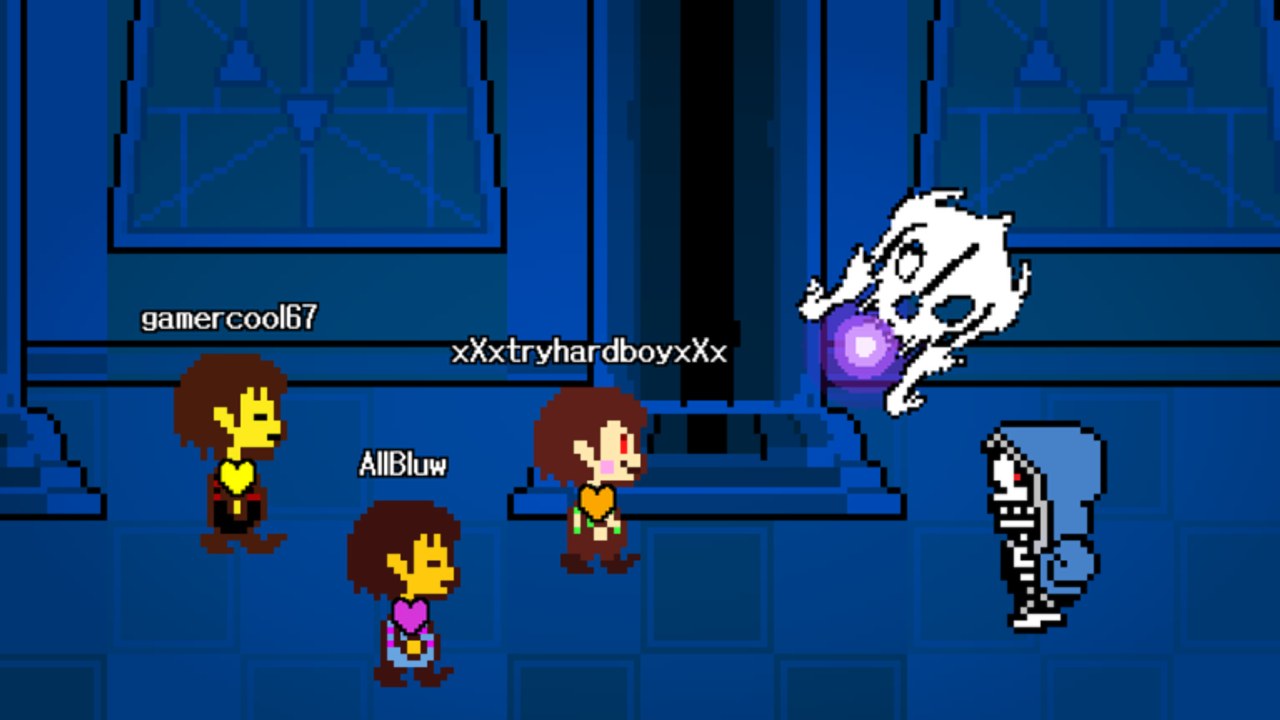
Undertale Battlez hit a cluster of community milestones that still matter in November 2026: visit thresholds, favorites growth, and a concurrent-players thank-you. Bluw’s Studio answered those moments with promo codes that dump Gold and D$ into new and returning accounts. This page documents the three milestone strings we still track as active after a mid-November 2026 re-check, explains what each celebration was about, and gives a practical redeem-and-re-check plan so the free currency becomes progress instead of impulse cosmetics.
The experience remains an explicit BETA fighting sim on Roblox (place 79493991899413, universe 10768728500). It is an unofficial fan game and is not affiliated with Toby Fox. This wiki is fan documentation — not a studio press release. Primary surfaces stay on the Roblox game page and the Bluw’s Studio group.
The three milestone codes (still active)
Re-verified mid-November 2026 against live redemption in the official place. Copy strings exactly — they are case sensitive.
| Code | Milestone theme | Rewards |
|---|---|---|
K200VISITS | Visits celebration (200k-style visit campaign) | 250 Gold + 3 D$ |
FAV6K | Favorites milestone (6k-style favorites thank-you) | 250 Gold + 10 D$ |
THANKSFOR600CCU | Concurrent players thank-you (600 CCU era) | 1,000 Gold + 3 D$ |
Combined payout if none were claimed yet: 1,500 Gold and 16 D$. That is one of the strongest free starts available in the current BETA economy. Live tables and expiry removals always prefer the Codes Hub over freezing this page forever — when a string dies for everyone, we retire it there first.
Deep menu path and error handling: How to Redeem Codes.
What each milestone meant for players
Visits — K200VISITS
Visit milestones celebrate how many times players loaded the experience. For you, the practical meaning is simple: a dual Gold + D$ drip that cushions early deaths while you learn telegraphs. It is not the largest Gold dump on the list, but it stacks cleanly with the others and is easy to miss if you only chase the CCU thank-you headline.
Favorites — FAV6K
Favorites milestones reward the people who bookmarked the place. The standout detail is the 10 D$ payout — the best free D$ among the three active strings. If you only redeem one code on an alt that somehow missed the others, prioritize D$ scarcity logic: FAV6K protects future skin budgets better than another small Gold spike alone.
CCU thank-you — THANKSFOR600CCU
Concurrent-player thank-yous appear when lobbies are busy enough for the studio to celebrate peak energy. 1,000 Gold is the headline. Bank it. Beginners who instantly convert the entire dump into the first shiny carousel often feel broke the same evening. Pair the windfall with Gold Farming habits so the slope continues after the spike.
Redeem plan (do this in order)
- Join the official Undertale Battlez place from Bluw’s Studio — clones will not honor these codes.
- Wait until the main menu is fully interactive.
- Open CODES → TYPE A CODE → REDEEM for
THANKSFOR600CCU, thenFAV6K, thenK200VISITS(priority if you might be interrupted). - Confirm each toast before spending. BETA UI can hide feedback in a busy lobby.
- Write a one-line spend goal: combat consistency, buffer for a showcase unlock, or a single pre-decided cosmetic.
- Warm up on an easy boss before the shop — shopping on tilt after a wipe is how milestone Gold evaporates.
New accounts should run this beside Getting Started and Beginner Tips. Skin hunters should open Unlock Skins and the Skins Tier List before D$ clicks. Showcase chasers keep Limbo Sans in mind but should not dump the whole CCU thank-you five minutes before a hard attempt.
What to do after redeeming
Milestone codes are spikes, not a lifestyle. After the toasts:
- Stabilize combat with Controls habits and a soft clear from Boss Fights.
- Set a Gold floor you will not spend below until the next farm block finishes.
- Park most D$ unless you already decided on a high-value skin or attack skin.
- Resume a farming loop so you are not waiting weeks for the next thank-you string.
- Delay PvP ego sets until dodges feel intentional — see PvP.
- Ignore “auto redeem” or free-skin executors that ask for credentials; read Scripts if you need the risk picture.
If a code returns already-used, that is normal for your account — it does not mean the global string is dead. If a code fails for everyone after a deploy, assume retirement and watch the Codes Hub.
Post-milestone re-check list
Use this whether you redeemed today or last week:
- Client & place — official Undertale Battlez, not a rename clone.
- Codes UI — path still matches muscle memory after any hot patch.
- Active table — re-open Codes in case a string retired since your last login.
- Economy feel — shop prices and skin labels; BETA sinks move.
- Boss warm-up — one easy clear to confirm telegraphs still match your memory.
- Version context — if the client string moved, read V1.30 and the Updates Hub habits even when no new milestone page exists yet.
- Progression tools — run the progression checklist so weekly habits absorb the free currency instead of random spends.
How milestones connect to version updates
Milestone codes often ship in the same social window as Massive Update energy, but they are not identical to a numbered patch. You can receive a CCU thank-you without a full V-number essay, and you can take a balance patch without a new code. After any deploy, still redeem first, then re-test systems. The V1.30 Release page covers showcase-era version context; this milestones page covers the November 2026 reward cluster that remained redeemable at mid-month re-check.
When Bluw’s Studio hits the next visits, favorites, or CCU celebration, new strings usually appear on social posts and the group wall first. We fold verified codes into the Codes Hub quickly; this milestones article will gain siblings when the next cluster deserves its own narrative.
What we are not claiming
We are not inventing exact studio KPIs beyond what the code names and public celebration framing imply. We are not promising these three strings will live forever — BETA campaigns end. We are not affiliating this wiki with Toby Fox or claiming Undertale Battlez is licensed Undertale content. We are documenting working rewards and player-facing next steps so your mid-November 2026 login stays efficient.
Related pages
- Codes Hub — live active table
- How to Redeem Codes — menu path and failures
- Updates Hub — changelog map
- V1.30 Release — version showcase context
- Getting Started — first-hour spend plan
- Gold Farming — sustain after spikes
- Unlock Skins — shop discipline for reward dumps
- Beginner Tips — session habits that protect currency
Redeem the three milestone codes while they still work, bank the D$, spend Gold against a written goal, and re-check the list above after every BETA deploy. That is how November 2026 milestones turn into lasting progress instead of a single loud shopping spree.
Frequently Asked Questions
Quick answers about codes, bosses, PvP, and progression.
Which Undertale Battlez milestone codes are still active in November 2026?
As of a mid-November 2026 re-check, K200VISITS, FAV6K, and THANKSFOR600CCU still redeem for Gold and D$ on the official place. Confirm on the Codes Hub if anything retires later.
What do the November 2026 milestone codes give?
K200VISITS gives 250 Gold + 3 D$, FAV6K gives 250 Gold + 10 D$, and THANKSFOR600CCU gives 1,000 Gold + 3 D$ — 1,500 Gold and 16 D$ combined if none were claimed yet.
What should I do right after redeeming milestone codes?
Confirm the toasts, warm up on an easy boss, set a spend floor, park most D$, and only then buy against a written combat or cosmetic goal.
Do milestone codes mean a new version dropped?
Not always. Codes often appear in the same social window as updates, but you should still check the Updates Hub and V1.30 notes separately for patch context.
Why did my milestone code say already used?
Each code is typically once per account. Already-used responses are normal and do not prove the code is globally expired.
Where do I follow Bluw's Studio for the next milestone?
Watch the official Roblox game page and the Bluw's Studio group, then re-check the Codes Hub when new strings are verified.