Undertale Battlez Day-One & Weekly Progression Checklist
A repeatable sheet for redeeming codes, training bosses, reviewing tiers, and surviving BETA patches without wasted sessions.
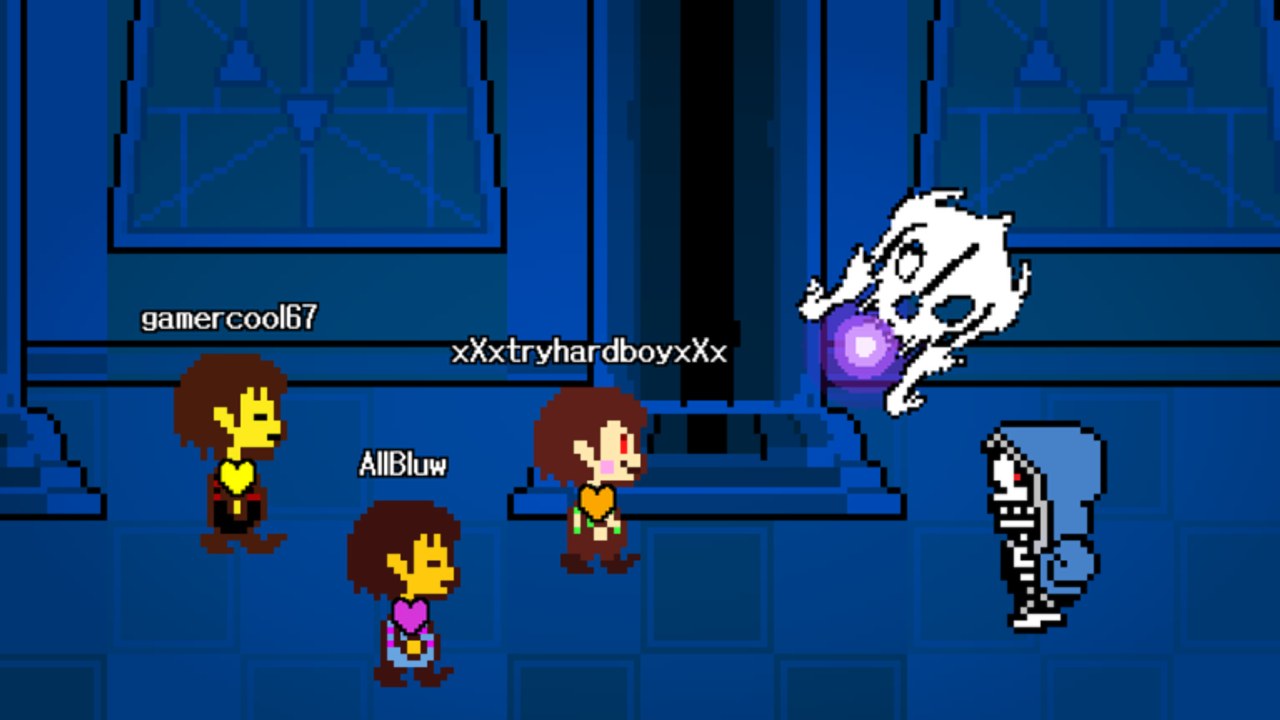
This Progression Checklist is the long-form tool for Undertale Battlez players who want structure without installing anything shady. Copy it into a notes app, print it, or keep a simple habit tracker. Every checkbox maps to a real wiki hub so you never invent busywork. The game is a Roblox BETA from Bluw’s Studio — train, fight Undertale-inspired bosses, create custom encounters, unlock cosmetic and attack skins, and duel in PvP while earning Gold and D$. Systems move. Checklists keep you honest when they do.
Undertale Battlez is unofficial and not affiliated with Toby Fox. Join place 79493991899413 only from the verified experience linked on the Links Hub. Return to the Tools Hub for shorter planner templates.
How to use this page
- Day-one checklist — run once on a fresh account, or again after a long break / major wipe-style confusion.
- Weekly checklist — run at least once per week, and again the evening a Massive Update lands.
- Session micro-checklist — three-minute version before any serious grind.
- Check a box only when you actually did the step in the live client, not when you “meant to.”
Pair narrative help with Getting Started the first time through. This page tracks whether you did the work; that guide explains how menus and currencies work.
Day-one checklist (new or returning account)
Account & authenticity
- Roblox client updated.
- Joined from the official Undertale Battlez page (place
79493991899413), not a clone. - Favorited the experience so milestone tracking and your own follow feed stay useful.
- Opened Bluw’s Studio / read Bluw’s Studio profile so you know where announcements actually live.
- Skimmed the unofficial disclaimer on the Links Hub — no fake staff Discords, no password “redeem” sites.
Free currency first
- Opened in-game CODES.
- Redeemed every active string from the Codes Hub (as of the current list:
K200VISITS,FAV6K,THANKSFOR600CCU). - Noted already-used vs expired vs success.
- Bookmarked How to Redeem Codes for error toast confusion.
- Resisted shopping until after the first training block.
Orientation fights
- Finished the orientation steps covered in Getting Started.
- Completed one soft / D–C tier warm-up encounter from the Boss Tier List.
- Completed one mid / B-tier clear for real Gold reps.
- Wrote down which patterns still panic you (bones, spears, multi-phase resets, custom spam — be specific).
- Opened Boss Fights only for the habits tied to those panic notes — not twenty tabs of unrelated AU lore.
Priority map before spends
- Skimmed the Tier List Hub criteria (learning order, prestige vs power, PvP viability).
- Decided whether today’s currency is for stability unlocks or a cosmetic goal on the Skins Tier List.
- If chasing a showcase unlock such as Limbo Sans, opened Limbo Sans and accepted that BETA steps can change.
- Left a Gold/D$ buffer instead of zeroing the wallet on day one.
Optional day-one extras (only if fundamentals feel okay)
- Peeked at Custom Bosses without publishing a chaos arena yet.
- Watched one calm PvP set as an observer mindset using ideas from the PvP guide — fighting optional.
- Confirmed you know where Updates lives for tomorrow’s patch anxiety.
Weekly checklist (repeatable)
Patch & information hygiene
- Checked the Roblox game description / thumbnail for Massive Update language.
- Opened the Updates Hub and any relevant version page such as V1.30.
- Re-verified UI paths: Codes, shop/skins, training, custom, PvP entry.
- Restarted Roblox once if menus looked half-loaded after a deploy.
Economy loop
- Re-checked Codes for new or retired strings.
- Redeemed anything new the same day you saw it.
- Ran at least one intentional farming block with notes from Gold Farming.
- Reviewed whether last week’s skin purchase still feels worth it (prestige vs fight-feel).
- Avoided executor “auto farm” pitches; re-read Scripts if tempted.
Combat progression
- Warm-up clear logged.
- At least three distinct boss patterns practiced (not the same easy dummy three times).
- One attempt one tier band above comfort, capped wipe count written in advance.
- Boss ladder opinion compared against the Boss Tier List — update your personal notes if a patch changed threat.
- If customs matter to your group, re-tested one shared fight for readability after the latest build.
Social / PvP / creation (pick what matches your week)
- One etiquette-positive public or friend lobby (no slur spam, no baiting crashes).
- If PvP: one focused set after warm-ups, not cold queue into tilt (PvP).
- If creating: one readability pass on a custom boss before calling it “done.”
- Shared only official links with friends — game page + this wiki’s hubs.
Weekly reflection (two minutes)
Write answers, even briefly:
- What boss taught me the most this week?
- What purchase do I regret or still celebrate?
- Did any update invalidate an old habit?
- What is next week’s single focus boss or unlock?
If you cannot answer (4), default to “two B-tier farming clears + one A-tier teacher” before any S-tier showcase ego.
Session micro-checklist (before every serious play block)
- Codes glanced (phone or hub).
- Warm-up boss chosen.
- Focus boss + numeric goal written.
- Stretch attempt optional and time-boxed.
- Shop locked until the focus goal is done.
- Stop time set so a BETA shutdown cannot erase a three-hour emotional investment.
This micro list is the same planner mindset described on the Tools Hub, expanded just enough to print.
Mapping checklist items to wiki roles
| Habit | Primary wiki page |
|---|---|
| Redeem free Gold/D$ | Codes |
| Menu & first hour | Getting Started |
| Pattern execution | Boss Fights |
| Learning order | Boss Tier List |
| Spend decisions | Skins Tier List |
| Sustain grind | Gold Farming |
| Showcase unlock | Limbo Sans |
| Patch re-verify | Updates / V1.30 |
| Automation risk | Scripts |
| Official URLs | Links Hub |
When a checkbox stalls, open the matching page instead of grinding harder in confusion.
Why checklists beat vibes in BETA
Undertale Battlez rewards players who treat updates as routine. Milestone codes appear after visit, favorites, or CCU celebrations, then disappear. Boss telegraphs shift. Attack skins get relabeled. Custom bosses that felt fair can become spam after a timing change. A written weekly sheet surfaces those shifts in minutes; vibes-only players burn an hour proving the old route still “should” work.
Checklists also protect community health. If your day-one sheet includes “join from official link” and “no password sites,” you are less likely to drag friends into phishing clones. If your weekly sheet includes etiquette and official link sharing, lobbies stay playable longer.
Common failure modes (and the fix)
- Redeemed codes, then impulse-bought a prestige skin, then could not afford retries — Move shop ticks after the first farming block; use skins criteria on the tier list.
- Only fought one easy boss all week — Weekly combat section requires three patterns; diversify even if Gold/hour dips slightly.
- Skipped Updates because “I know the game” — Add the Updates tick to the same alarm as codes.
- Chased scripts after a dry farming day — Re-run Gold Farming notes and Codes; read Scripts hub warnings before you risk the account.
- Jumped to Limbo Sans day one — Day-one list intentionally gates showcase goals behind mid clears and tier skims.
Printing / notes app tips
- Keep a running “already used codes” list separate from the active hub table.
- Store boss panic notes as short verbs (“late dash on second spear volley”), not essays.
- Duplicate the weekly sheet each Sunday; do not erase history if you like comparing months.
- On mobile, pin the Codes Hub and this checklist side by side.
Bottom line
Progress in Undertale Battlez is a loop: authenticate → redeem → warm up → focus train → review tiers → re-check updates → spend with intent. This checklist is that loop in checkbox form. Run day-one once, weekly forever, micro before every serious block. When the BETA shifts, change a line — not your entire identity. For shorter templates, return to the Tools Hub; for live rewards and patch context, keep Codes and Updates one tap away.
Frequently Asked Questions
Quick answers about codes, bosses, PvP, and progression.
Is this progression checklist required to play Undertale Battlez?
No. It is an optional fan tool. Players who use it waste fewer sessions when codes, bosses, or UI change during BETA.
How often should I run the weekly checklist?
At least once per week, and again on the day a Massive Update or version showcase appears.
Where do codes fit on the checklist?
Day-one and weekly sheets both start with redeeming active codes from the Codes Hub before major spends or long grinds.
Should beginners finish Getting Started or this checklist first?
Use them together: Getting Started teaches systems; this checklist tracks whether you completed each day-one habit.
Does the checklist replace tier lists?
No. Tier lists decide priority. The checklist schedules when you review those priorities and practice the right bosses.
Can I use this offline?
Yes. Copy the boxes into any notes app. Only redemption and fights require the live Roblox client.